
Getting Montgomery County Court Records
Gather the basics before you request anything. A case number or a party name, plus the document you want, speeds up the whole process. For remote viewing, the free North Carolina eCourts Portal is the place to start. It offers a public Montgomery Case Summary or Register of Actions. It sometimes displays public document images too. Need a paper file, an inspection, or a certified copy? Turn to the Montgomery County Clerk of Superior Court. One clerk serves both trial courts. Montgomery traffic, misdemeanor, felony, civil, estate, and special-proceeding records all go through the same local counter.
- Search Portal by record number when possible, or by party name with Montgomery selected as the location.
- Open the Montgomery Case Summary and note the case number, event date, and exact document or certification needed.
- For a public image that is not online, visit the Montgomery Clerk’s terminal or paper-file counter, or call the Clerk to confirm the local procedure.
- Ask the Montgomery Clerk for inspection, a plain copy, a certificate under seal, an exemplification, or a transcript of judgment as appropriate.
- Use the NCAOC public-record request only for an existing Judicial Branch agency record, not as the normal route for a Montgomery case file.
Mail works for eligible payments, but the county publishes no separate certified-copy order form for mailing. There is no local email route for Montgomery case-file copies either. A quick phone call can confirm whether a paper or historic file is on hand before you drive to Troy.
Montgomery Court Record Forms
Three terms get confused constantly: the Case Summary, the filed image, and the certified copy. They are related but not the same thing. The Portal's Montgomery Case Summary lays out a public timeline of events, hearings, dispositions, and financial information. A filed image is the actual Montgomery pleading, order, or judgment. It appears whenever an image has been uploaded and is available. The certified copy comes only from the county Clerk, for official use. Viewing the Portal costs nothing. Yet it is not the official court record, and NCAOC cannot certify a local case document. N.C. eCourts File & Serve is a separate filing product, not a public case viewer. The Judicial Branch public-record request routing page shows how agency-record requests run on a different track.
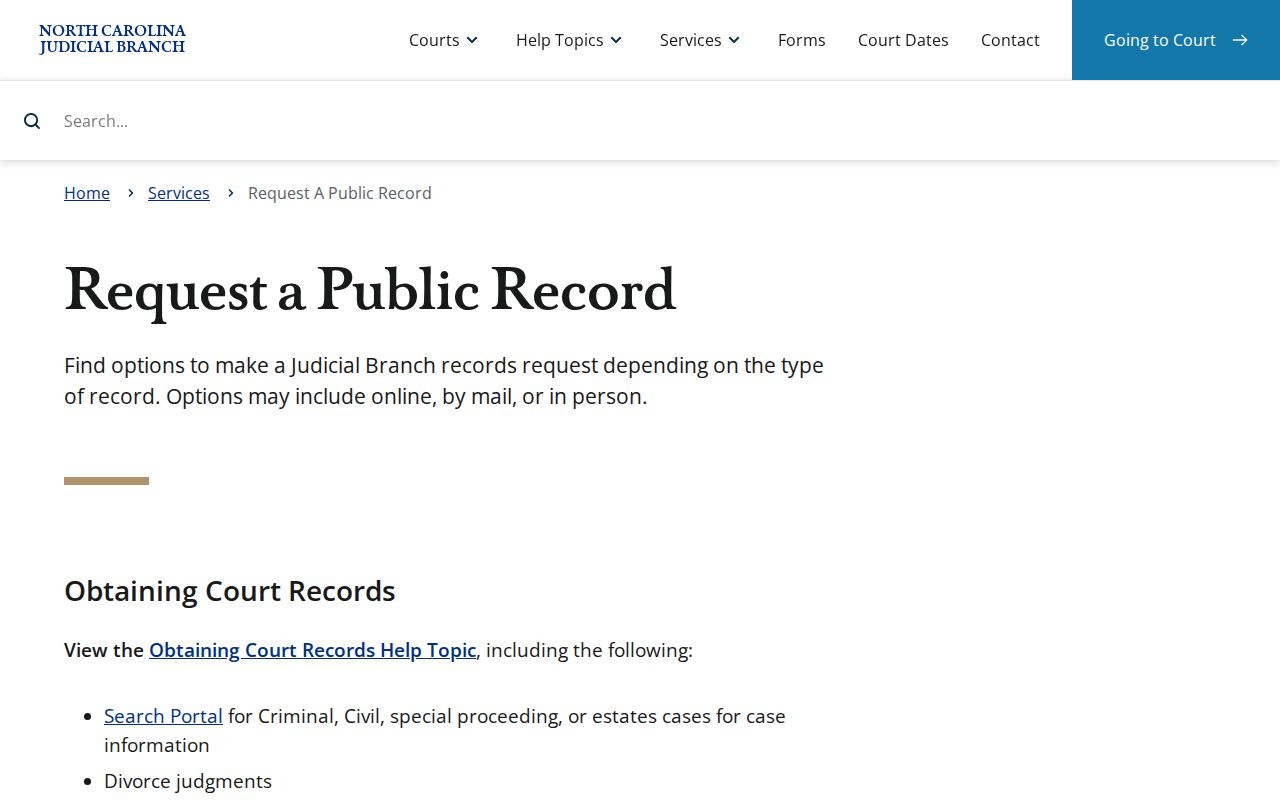
That track matters here. A Montgomery court record sitting in a case file belongs with the local Clerk first, not a general agency-record request.
Court Record Types
Montgomery County court records come in several forms because one unified Clerk serves both trial-court divisions. The split is easy to remember. Montgomery Superior Court handles felonies and major civil matters. Montgomery District Court takes misdemeanors, traffic infractions, most lower-value civil matters, family matters, juvenile matters, and appeals from magistrates. A Portal search can surface public case activity across all these categories. For the local file itself, or any official copy, the Clerk is still the source.
- Montgomery Case Summaries or Registers of Actions showing chronological case activity
- Montgomery public filed pleadings, orders, judgments, and document images when available
- Montgomery criminal, traffic, and misdemeanor case files from District Court or Superior Court
- Montgomery civil actions, estates, and nonconfidential special proceedings
- Montgomery Clerk-issued certificates, exemplifications, and transcripts of judgment
Protected categories, including Montgomery juvenile files, follow different access rules. Just because a record type appears in a Portal filter does not mean every document image is public.
Montgomery Court Record Custodian
One office holds the paper behind nearly every Montgomery case. The Clerk of Superior Court keeps the county's case files, dockets, indexes, judgments, estates, and special proceedings. The county court location page lists the Superior and District Court divisions and where each one sits. Under G.S. 7A-109, the clerk must keep the records, files, dockets, and indexes the law prescribes, and the public may inspect them during normal office hours unless a statute restricts access. That is why a Montgomery Portal result works best as a pointer, never as a stand-in for the courthouse file itself.
The online Judicial Branch public-record request form serves a separate purpose: it lets you ask for agency records from the courts, not the case files kept by the Montgomery clerk.
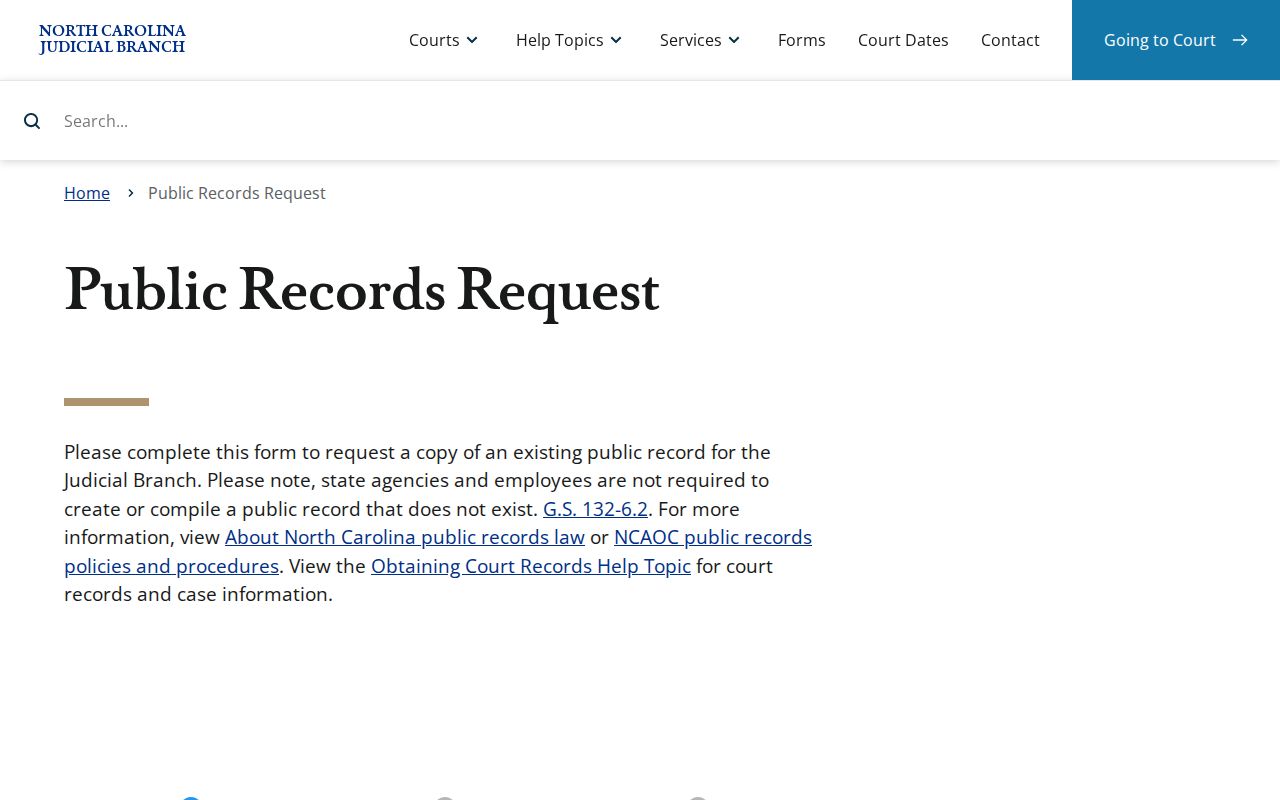
Read the form's own language. NCAOC does not hold court documents or case information. So the form is a narrow fallback for existing NCAOC records, not a way around the Montgomery Clerk's case-file role.
Inside a Montgomery County Court Record
A Montgomery County court record search typically opens with the Portal's public Case Summary. Its structure can point you toward the right part of the clerk's file. It does not turn an online display into an official copy. Local Odyssey record numbers end with the Montgomery county identifier -610. Use the number exactly as displayed, and never try to build one yourself. When reading entries, pair each Montgomery event with its date, then check the Hearings area for the case.
| Case Information | Header information that identifies the Montgomery court case and its record number. |
|---|---|
| Party Information | The listed people, businesses, and case roles in the Montgomery public Case Summary. |
| Case Events | The chronological filing, notice, order, or administrative activity shown in the register. |
| Hearings | Scheduled proceedings that can also be checked through Portal Search Hearings. |
| Dispositions | Recorded outcomes or case-status activity, which may need an order for full context. |
Public documents must be downloaded one at a time. Portal offers no batch download. A document absent from the online view may still sit in the local paper file.
Montgomery Court Record Image Gaps
Sometimes a Montgomery court record shows a Case Summary but no public document image. Write down the record number and ask the Clerk about the paper file or a copy request. Availability can hinge on public status, upload, and processing. A missing image does not prove the document never existed. It also does not change any sealing or confidentiality rule. Historic paper questions go to the local office, even though legacy cases were converted into Enterprise Justice. The Judicial Branch's record-access overview walks through clerk terminals, paper files, copies, and the separate transcript route.
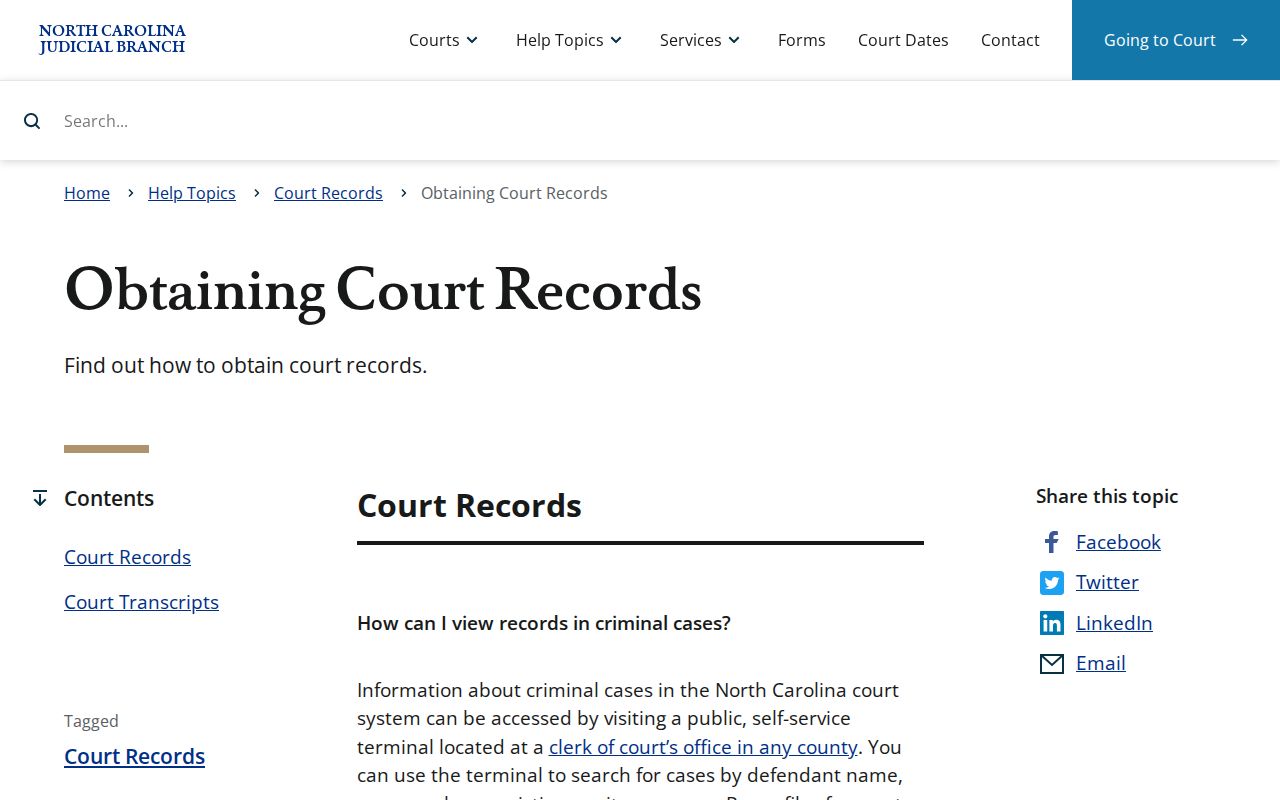
For Montgomery court records, the sequence is simple. Try the Portal first. When online access does not answer the request, use the Clerk's terminal or the paper-file route.
Fees and Certified Copies
What you pay depends on what you order. A plain copy just reproduces the document. A certified copy adds the Clerk's certification. A certificate under seal or an exemplification is its own statutory service. Those components can stack, so ask the Montgomery Clerk for a total before mailing any payment. The Clerk publishes no separate Montgomery docket-sheet fee or expedited-processing charge. For the published baseline, rely on the statewide fee schedule rather than a local guess.
| Clerk service | Published amount |
|---|---|
| Copy preparation, first page of each document | $2.00 |
| Each additional page or fraction | $0.25 |
| Certificate under seal | $3.00 |
| Exemplification | $10.00 |
| Preparation and docketing of transcript of judgment | $10.00 |
The current North Carolina court-cost charts list the state fees that apply to these Montgomery court record requests.
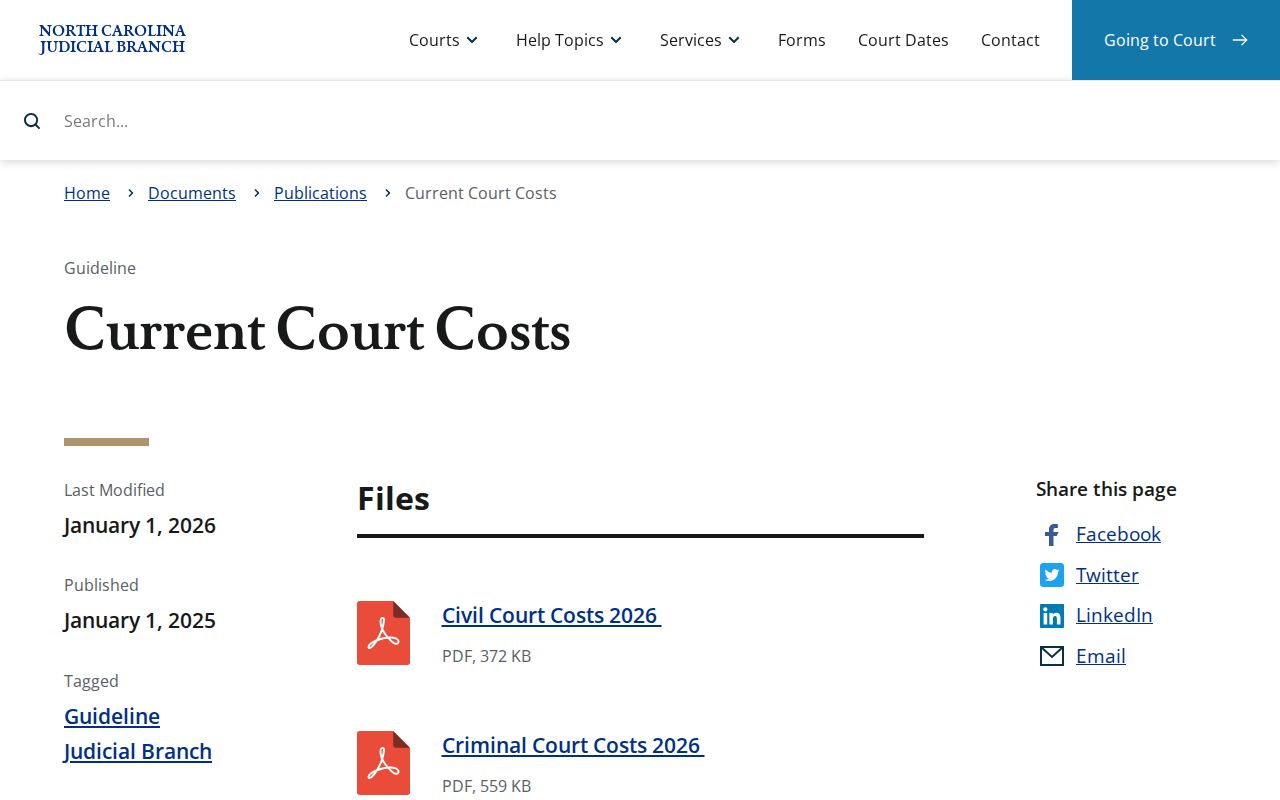
Check that official fee chart before filing a Montgomery court record request. That habit matters most when you need certification on top of plain copies.
Montgomery County Clerk of Superior Court
Montgomery County Courthouse
108 E. Main St.
Troy, NC 27371
(910) 571-3700
Montgomery Court Record Audio Routes
A recording and a transcript are different products. For a nonconfidential recording, the state points requesters to AOC-G-114, the duplicate audio request, and a CD costs actual cost when one exists. Confidential proceeding audio takes a separate court-permission form. Want a transcript instead? Contact the court reporter who attended the hearing or an approved transcriptionist, since those providers set their own rates. Holding the audio is not the same as holding a transcript, even when the Clerk has a recording on file. Criminal District Court proceedings are generally not recorded except as specified or ordered. Confirm availability case by case.
Sealed Records and Public Access
Public access to Montgomery court records runs through the Clerk and the public Portal, but only as far as state law allows. A search that returns nothing can mean many things. A misspelled name, a case filed elsewhere, a historical file, a restricted category, sealing, confidentiality, or simply no record at all. Registering with the Portal will not open restricted material. When a specific Montgomery court docket entry stays out of reach online, ask the Clerk about the proper access path. Do not work around the limitation.
North Carolina access rules:
G.S. 132-6 requires a lawful custodian to permit inspection at reasonable times and provide copies upon lawful fees.
G.S. 132-1.10 authorizes redaction of protected identifying and financial information from public images.
G.S. 7B-3000 withholds juvenile court records from public inspection except for defined statutory access or a court order.
Sealed or expunged matters never show up as ordinary Portal results. G.S. 15A-146 offers one expunction route, though eligibility turns on the statute and the facts of the case.
Historic Montgomery Court Records
Start with the Clerk for any historic Montgomery court record. The Portal may not hold a complete historic file. The state itself treats old paper questions as a county-Clerk matter. When the Clerk cannot locate the material, the North Carolina Archives' Montgomery records inventory describes older holdings, including an 1859 equity trial docket and an 1871–81 Special Proceedings Docket. That inventory also records courthouse-fire damage, so surviving files may have gaps. Help the Clerk help you. Give the office the case name, the approximate year, the case type. Include any known record number. Staff can then identify the local file or retention path before an archive inquiry starts. That two-step approach keeps things in their proper places. A current converted case view, a locally retained paper file, and a historical archive collection each stay where they belong.