
How to Search Cases by Name
The official North Carolina eCourts Portal is the place to begin. Smart Search is the tool inside it. A known record number is the strongest start for a Montgomery case lookup. Without one, Party Name is the documented route. Type a useful name first. Then choose Montgomery in the location filter after the principal name or number is in place. A public Portal session is free, and ordinary public information needs no registration. If the search stalls, the Montgomery Clerk directory has the local contact to call.
- Choose Smart Search and enter a Montgomery record number or party name as the principal search value.
- Open Advanced Filtering Options and select Montgomery under General Options when statewide results need narrowing.
- Use Montgomery case type, case status, or filing-date criteria only to refine the principal search.
- Open the matching Montgomery Case Summary, record the number, and review its Case Events and Hearings rather than relying only on the result title.
The official Portal documentation describes the relevant Smart Search controls as follows.
| Field Label | Type | Required | Notes |
|---|---|---|---|
| Smart Search, Case Number | Text | One principal value required | Use the exact four-part record number. Advanced filters cannot stand alone. |
| Smart Search, Party Name | Text | Alternative principal value | Use the documented last-name or first-name wildcard rules when needed. |
| Record, citation, attorney, business, cross-reference, or nickname | Text or search mode | Optional alternative | Portal documentation lists each as a search path. |
| Advanced Filtering, General Options | Expandable filter | Optional | Select Montgomery County to narrow statewide results. |
| Advanced Filtering, Party Search Criteria | Expandable filter | Optional | Includes party name and date-of-birth filtering; public results mask the month and day of birth. |
| Advanced Filtering, Case Search Criteria | Expandable filter | Optional | Includes case type, case status, and filing-date range. |
| Case Type | Multi-select filter | Optional | Documented categories include Civil Actions, nonconfidential Special Proceedings, Estates, and Criminal Actions. |
| Case Status | Filter | Optional | The accessible official materials do not enumerate every live option. |
| Filing Date Range | Date range | Optional | A documented case-search criterion; the static guide does not publish every date-picker detail. |
| Business Name | Filter or search type | Required for that search | Choose Filter by Search Type, then Business Name. |
| Search, Reset, My Cases, Register-Sign In | Buttons or navigation | Search to submit | My Cases requires registration; ordinary public lookup does not. |
Montgomery Case Lookup in Smart Search
Smart Search is the statewide public layer for Montgomery records. It is not a county-built database. From it you can reach a Montgomery Case Summary, also called the Register of Actions, laid out as a timeline covering Case Information, Assignment Information, Party Information, Case Events, Hearings, Dispositions, and Financial Information when applicable. Public documents may appear once they clear upload and processing, but the Portal does not promise an image for every event. The official North Carolina eCourts File & Serve service is a different product entirely, built for filing rather than for reading a Montgomery Case Summary.
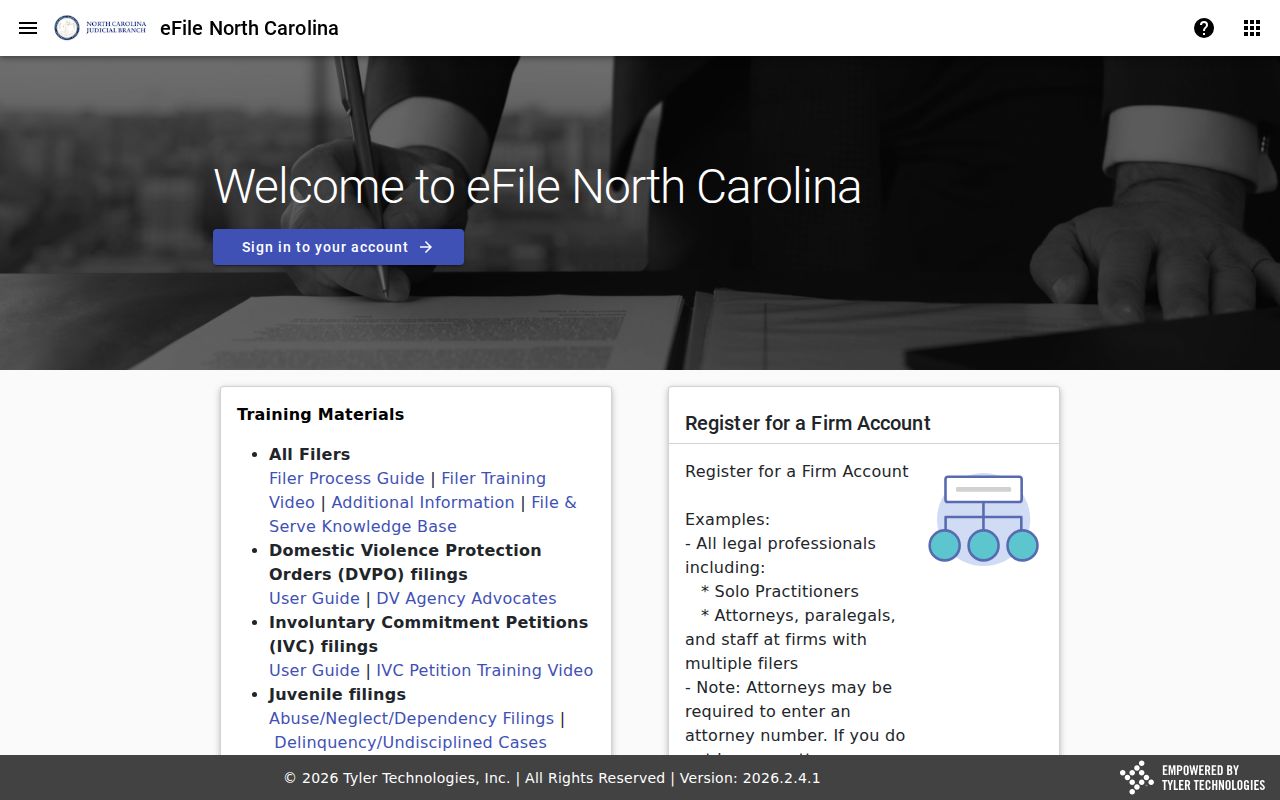
Use the Portal to view public case information. Use File & Serve only for filing. For a certified Montgomery court document or a historic paper file, take the case number to the Montgomery County Clerk of Superior Court.
How to Search by Case Number
Every North Carolina case number is built the same way. It opens with a two-digit year. Then come case-type letters, then a six-digit sequence, a hyphen, and a three-digit county identifier. For Montgomery County that identifier is 610. The example 25CR000001-610 follows the Montgomery pattern. Here 25 is the year, CR is a case-type code, 000001 is the sequence, and 610 marks Montgomery. Keep in mind it is only an illustration. It is not a real case number from the court docket.
Do not build a case number yourself. Copy it from a notice, a prior order, or a Portal result for the case you want. Searching the Montgomery County court docket by number cuts through the confusion a common name or odd spelling can cause. It also helps when a case has moved between court contexts. The number stays tied to the filing itself.
Montgomery Case Search Wildcards
Wildcards work in Montgomery only through the documented Party Name route. For a last name, type at least three characters before the asterisk. That makes four characters of input once the asterisk counts. A first name wildcard needs just one character before its asterisk. That is the documented 4/3/1 shorthand. It means four total characters for a last-name wildcard, three before its asterisk, and one before a first-name asterisk. Those characters before the asterisk are what keep a broad Montgomery name search useful rather than overwhelming.
Avoid picking Party Name from Advanced Filtering as a stand-in for the main Montgomery Party Name search. The official guidance is clear on that point. It limits results and does not support wildcards at all. Begin with the name field. Then narrow the Montgomery result set by case type, status, or date range.
What a Case Search Shows
A Montgomery Case Summary is a detailed public timeline. It is not a certified record. Its sections give the context you need to tell a case header from later events and to spot a hearing you can search for on its own. Labels and available detail vary with the case and public-access rules, so the official system inventory described here is not a promise about every result.
| Case Information | Case or record number, header information, and case type or status as available. |
|---|---|
| Assignment Information | Court or judicial assignment information when the Case Summary displays it. |
| Party Information | People, businesses, and roles connected with the case; public date-of-birth display is masked. |
| Causes of Action | A category listed for civil, family, probate, and mental-health matters where applicable. |
| Case Events | The chronological Register of Actions entries. Read each event date and description together. |
| Hearings | Scheduled proceedings, separately searchable through Search Hearings for current time and location. |
| Dispositions | Recorded outcome or case-posture information when applicable. |
| Financial Information | Amounts or obligations when applicable; Portal does not show payment due dates. |
| Documents | Available public records or images, downloaded one at a time when they have been uploaded and processed. |
A public document image and an official copy are not the same thing. The Montgomery Clerk holds the local case file and is the source for certified copies.
Montgomery Case Lookup Filter Limits
Advanced filters refine a Montgomery search but cannot run on their own. Enter a principal case number or Party Name first. Then select Montgomery under General Options if statewide results need narrowing. Case Search Criteria supports case type, status, and filing-date range. Party Search Criteria adds party-name and date-of-birth fields, though public results protect date-of-birth details. Careful narrowing matters. An empty result may point to an input, location, case-type, or access problem rather than to nothing at all. It does not prove no Montgomery court case exists. Try the displayed record number. Check the location and case type. Ask the Clerk about historic paper or access questions instead of treating an online result as final. Note: A refined search helps only after the Portal has a valid principal name or number to search.
Montgomery County vs Statewide Case Search
Montgomery County skips the idea of its own branded case-search database. Instead, one statewide tool does the heavy lifting. The Montgomery Portal serves up case summaries for the county. A location filter narrows every search to Montgomery. For checking a published court session, the clerk offers two calendar views. One covers Montgomery civil hearings. The other covers Montgomery criminal hearings. Think of the Portal as the broad docket search. The calendars are a quick way to confirm a hearing date.
The North Carolina courts overview shows where Montgomery's Superior and District Court work fits inside the statewide court structure. It helps you see the bigger structure at a glance.
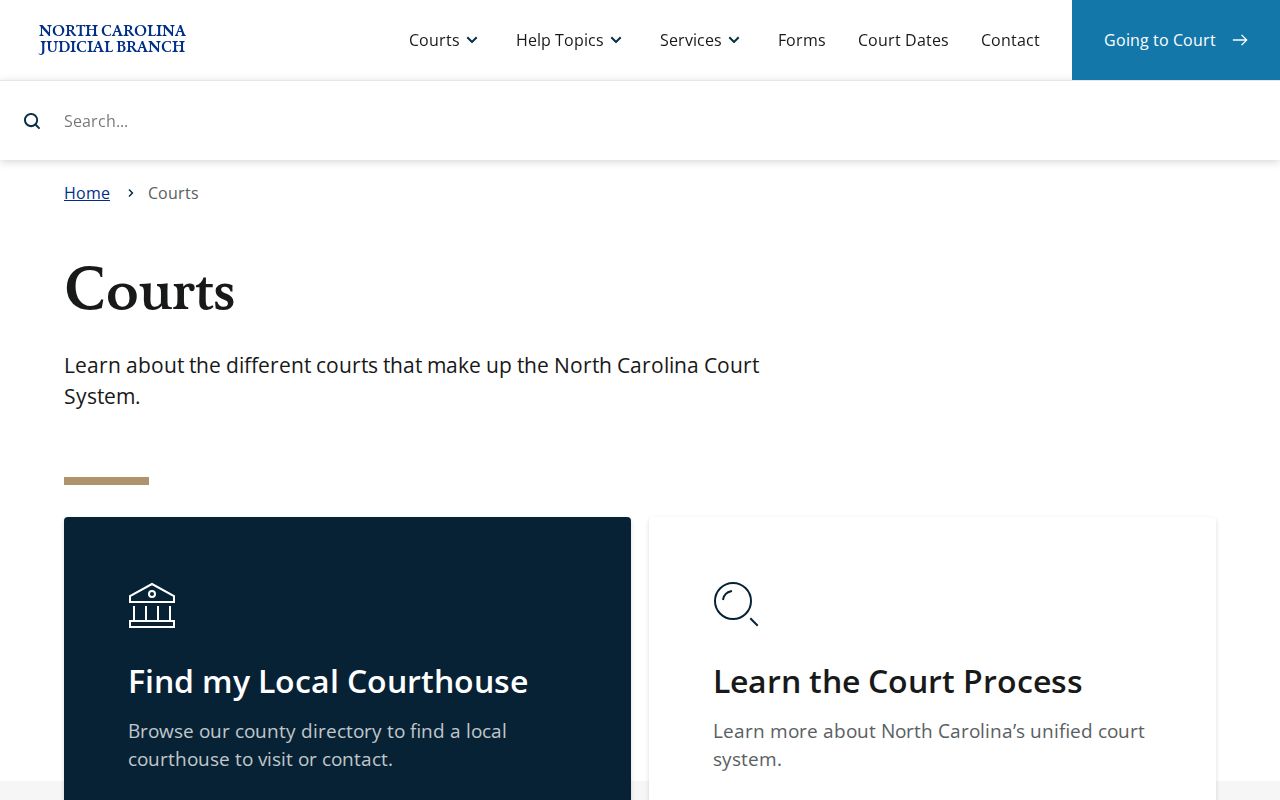
That structural overview is orientation, not a record search. Start there to learn which Montgomery court division and case type you need. Then rely on a current Portal result or the Clerk's confirmation for the individual case.
| Route | Scope | Best use | Important limit |
|---|---|---|---|
| Portal Smart Search | Statewide, narrowed with Montgomery location | Case Summary, public timeline, and available public documents | It is not the official record and does not guarantee every image. |
| Portal Search Hearings | Statewide tool, narrowed to Montgomery | Current hearing location and time | It does not identify remote versus in-person status. |
| Montgomery civil or criminal calendar | County and case-type route | Published calendar snapshot | A calendar line can change and does not establish a final setting. |
| Montgomery Clerk | Local case-file custodian | Terminal, paper file, official copies, and confirmation | Use the case number and ask about the proper local process. |
Montgomery Case Search Route Choices
Two Portal tools get confused. Smart Search is the one that shows a Case Summary and the sequence of past events in a Montgomery case. Search Hearings, by contrast, exists to find a current setting. The civil and criminal calendar pages give you a third angle, the published calendar itself. Weigh all three before you mistake a past event for the next court date. Also note that the CourtListener source covers federal dockets. It does not cover the North Carolina state court system that handles Montgomery County cases.
A federal case touching Montgomery never lands in these state tools. CourtListener cannot stand in for the Portal, the Clerk, or any Montgomery case lookup.
Restricted Cases and Access Rules
Anonymous Portal use reaches only public case information and documents. Juvenile records stay closed to the public under G.S. 7B-3000. Anything sealed or expunged drops out of online view. Some domestic-violence details have restricted display too. Registering an account changes none of that.
A blank result has several explanations. The name may be misspelled. The case number may be wrong. The file may be historic and on paper, the matter may be transferred, or no matching case may exist. The Portal does not flag every restricted Montgomery record with a visible marker. Ask the Clerk directly whether a particular record is historic, restricted, transferred, or simply unavailable. Whether a case qualifies for sealing or expunction is a legal question. It is specific to that case, and a search result can never settle it.
Montgomery Case Lookup Browser Fallbacks
You can search the public Portal without registering. Registration mainly adds My Cases tracking, not broader reach into restricted material. Every user, anonymous or registered, hits a CAPTCHA from time to time. Stick with Chrome or Edge; other browsers can break Montgomery searches, documents, and displays. So keep a supported browser handy.
When the Portal stalls. Recheck the number, name spelling, Montgomery location, and case type before starting over.
Then try Chrome or Edge if the browser is causing a Montgomery display issue, complete the CAPTCHA when requested, and contact the Montgomery County Clerk of Superior Court at (910) 571-3700 for a Montgomery case-specific fallback.
Need paper files or official copies? Go to the Montgomery Clerk's counter at 108 E. Main St., Troy. The public self-service terminal there handles further searching and historic-file questions. Skip the statewide public-records form for a Montgomery case file. The local Clerk holds the record. So the local Clerk is the right office.