
Searching the Montgomery County Court Docket
Start a Montgomery County court docket search with the official North Carolina eCourts Portal. Smart Search is the tool. It reaches every county in North Carolina, so set the location filter to Montgomery before running a name search, or same-name matches from other counties will clutter the results. A Montgomery case number is the cleaner key. A party-name search works when no number is available, but it demands careful filtering. The Portal gives free public Case Summary information for Montgomery cases, with no paid account required. It is a viewing service, not the official record. Nor is it the filing system. Open the full result. Read the Case Events, Hearings, and Dispositions sections rather than stopping at a title. For a current Montgomery hearing date, pair the hearing view with the county's published calendars.
- Open Smart Search in the North Carolina eCourts Portal and enter a record number or party name.
- Set the location to Montgomery County and add a case type, status, or filing-date filter only after entering a principal search term.
- Open the returned Case Summary or Register of Actions and note the current event, hearing, and disposition information.
- Use Search Hearings or the county calendar route to check a forthcoming setting.
- Contact the Montgomery County Clerk of Superior Court for an official copy, a paper file, or a question that the public result cannot resolve.
Montgomery Court Docket Portal Search
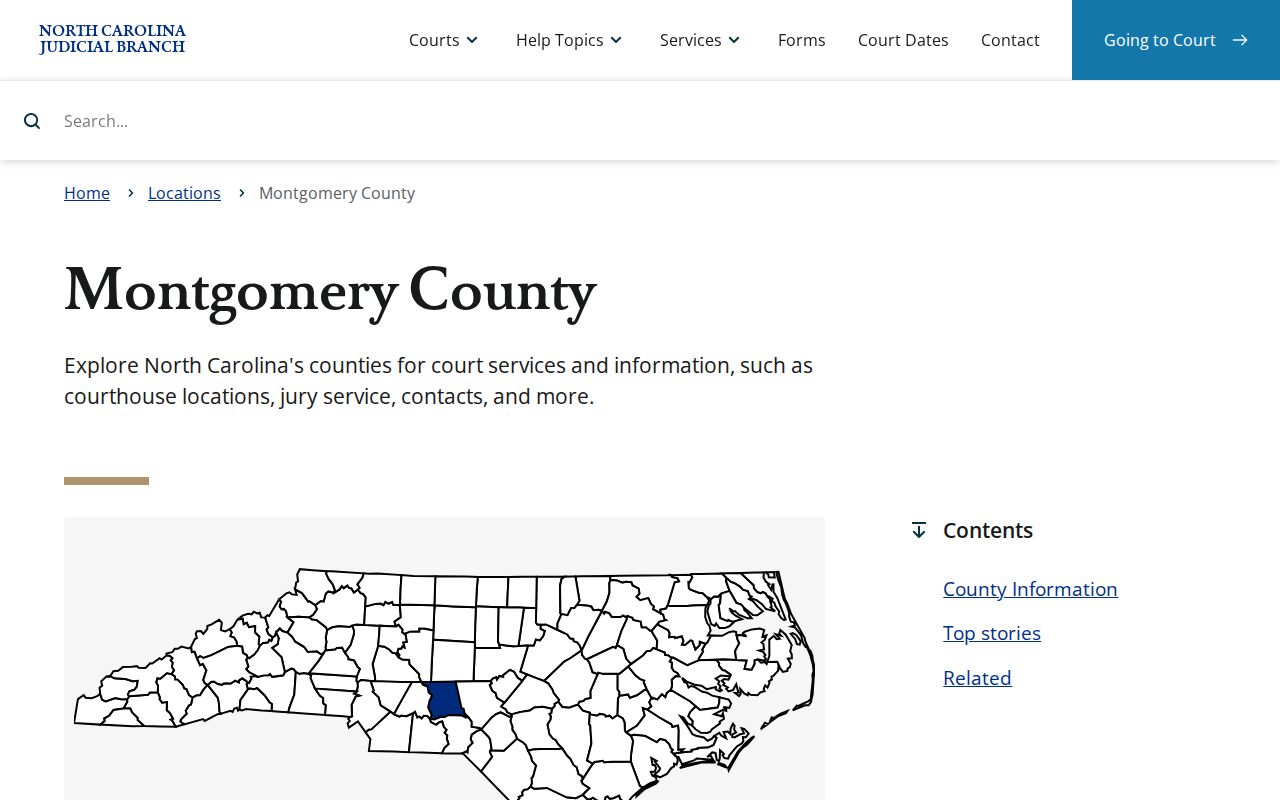
The Montgomery County Judicial Branch location page points court users to the statewide Portal rather than to any Montgomery-built database. No separate local lookup exists. Skip hunting for a municipal or division-specific one. Smart Search carries the public case information statewide, with Montgomery selected as the local focus, and the county's official landing page ties together the Portal, court dates, payments, calendars, and courthouse information in one place. That is a real time-saver. It is the Montgomery County court docket access path.
Filings go through N.C. eCourts File & Serve, which the State runs separately from the public Portal reader. They are different tools. Never use the filing application to pull a public Case Summary.
| Portal field or tool | Use in a Montgomery search | Important limit |
|---|---|---|
| Case Number | Best direct route to a specific Case Summary. | Enter the displayed number rather than trying to create one. |
| Party Name | Alternative when the record number is unknown. | Statewide results need a Montgomery location filter. |
| Advanced Filtering Options | Narrows by location, case type, status, or filing date. | Advanced filters cannot run by themselves. |
| Search Hearings | Checks current hearing time and location. | It does not say whether a hearing is remote or in person. |
Note: Registering a Portal account lets you save cases to My Cases, but plain registration does not unlock restricted material.
Inside a Montgomery County Court Docket
A docket here is more than a paper index. In the Portal, the Montgomery docket appears as a Case Summary or Register of Actions. Think of it as a timeline. It lists Montgomery public case activity in order. Expect case and assignment information, parties, case events, hearings, dispositions, financial information where it applies, and public documents once they are uploaded and available. That makes a Case Summary handy for tracing procedural history. Limits exist, though. Not every event comes with a document image. A Portal printout is not an official copy either. The real file stays with the Montgomery County Clerk of Superior Court, who can set you on the right local record path when more is needed.
| Record number | The local identifier used to retrieve a case, including a county suffix for Montgomery. |
|---|---|
| Case Information | Header-level information about the case and its court posture. |
| Party Information | The people, businesses, and roles associated with a public case. |
| Case Events | The dated activity timeline. Read the event description with its date. |
| Hearings | Scheduled proceedings that can also be checked through Search Hearings. |
| Dispositions | Recorded outcome or case-status activity when applicable. |
Montgomery Docket Case Numbers
Portal documentation breaks an Odyssey record number into parts. You get a two-digit year, case-type letters, a six-digit sequence number, a hyphen, and a three-digit county identifier. Montgomery's identifier is 610. The sample 25CR000001-610 shows the shape only. It is fabricated. Never search it as a real Montgomery case. Searching by number is often safer than a broad name search, since the Portal spans every county. The first two digits mark the year. The type letters signal the case category. The closing county code ties the record to Montgomery, so keep your number exactly as it appears on a notice, citation, order, or prior case result.
- Case Summary
- The public Portal’s detailed timeline of a case’s available activity.
- Case Event
- A dated filing, notice, order, or other action shown in the record timeline.
- Hearing
- A scheduled court proceeding with a separately searchable time and location.
- Disposition
- A recorded outcome or procedural resolution that may need the underlying document for full context.
Courts That Keep Dockets in Montgomery County
Montgomery County splits its trial work by case type, not by clerk. One local Clerk keeps the records. That single office covers every state trial division. Start with the case type. Felonies sit in Superior Court. Misdemeanors and traffic matters begin in District Court. Civil actions belong in District Court when the amount in controversy is $25,000 or less, and in Superior Court above that figure. Montgomery Magistrates handle limited criminal functions and small claims up to $10,000, still inside the state court system. A town name on a citation means nothing by itself. No town court database exists. The Portal and the same Troy Clerk counter remain the correct Montgomery County court docket routes.
| Court | Docket covers | Where to search |
|---|---|---|
| Superior Court, District 28 | Felonies, civil actions above $25,000, and District Court criminal appeals. | Portal, official calendars, and the Montgomery Clerk. |
| District Court, District 28 | Misdemeanors, infractions, traffic, family, juvenile, and most civil actions at or below $25,000. | Portal, official calendars, and the Montgomery Clerk. |
| Magistrate matters | Small claims up to $10,000 and limited criminal functions. | Portal or the Clerk path, not a separate local portal. |
| North Carolina Court of Appeals | Separate appellate dockets after trial-court proceedings. | State appellate court records, not the Troy trial-court counter. |
Montgomery Civil and Criminal Calendar Routes
Montgomery County splits its scheduling into two official views. The civil calendar and the criminal calendar each give the public a look at upcoming Montgomery court dates. Neither one is a full case register, though. For tying a hearing to a specific case number, the Portal's Search Hearings tool does that work. The Montgomery calendar route adds a county-level check on top of it.
One local note deserves a caveat. The Montgomery County local administrative schedules page says no District Court judges schedule is posted. That is not the same as having no court dates. It just means one thing. A weekly judge schedule should never stand in for a case-specific hearing search, a current calendar result, or a call to the Montgomery Clerk to confirm.
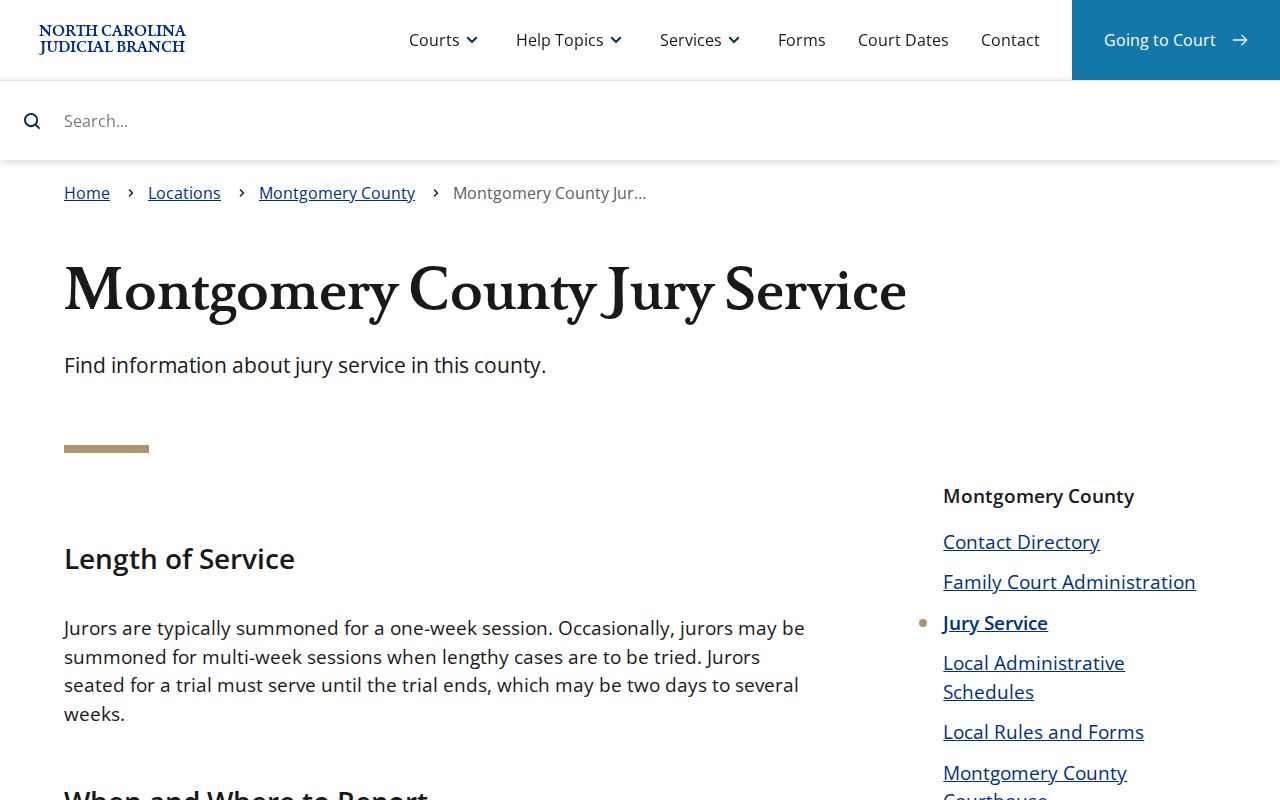
Jury duty is covered on the official Montgomery jury-service page. It tells jurors to report to Courtroom A. The page also reminds anyone with a courthouse event to confirm details through the court's own current information.
A posted calendar is only a scheduling snapshot. For a remote-access question, a call-order question, or an unclear later setting, the clerk or courtroom source gives the reliable answer.
How to Find Court Dates and Settings
Got a case number? Pull the Montgomery Case Summary first. After that, open Montgomery Search Hearings and set Montgomery as the location. You can run a Montgomery hearing search by case number, or search by party, business, attorney, bar number, judicial officer, or courtroom in the documented modes. Tighten the date range. That keeps the results manageable when you only need to confirm one setting.
One caution matters here. A Montgomery continuance request is just a request. The court has not approved a reset until it says so. The setting the court actually recognizes is the later hearing or order on the docket. If a listed setting looks old, is missing, or needs a courthouse check, the separate Montgomery County court dates reference walks through the confirmation chain.
For any time-sensitive Montgomery appearance, compare three things: the Case Summary, Search Hearings, and the civil or criminal calendar that applies. If those sources disagree, call the Montgomery Clerk. Also know the Portal's limits. It does not flag a hearing as remote or in person, and sortable results tell you nothing about the order in which a courtroom calls cases.
Montgomery Court Docket Limits
A search that returns nothing does not prove the case does not exist. Plenty of innocent explanations come up. The Montgomery record number may be incomplete. Or the location or case type filter may be wrong. The case may be historic, or public access to it may be restricted. Portal exists to surface available public information, not to get around a statutory confidentiality rule.
Some Montgomery records sit outside public view by design. Juvenile records are generally withheld from inspection. Sealed and expunged matters do not ordinarily appear in Portal, and some domestic-violence information and personal identifiers are restricted or redacted. Registering an account grants an ordinary public user no extra reach. Your own Montgomery case will not come up? The careful next step is asking the Montgomery Clerk which record path applies.
Useful rule of thumb: A Case Summary is an access layer. It is not proof that a file is complete, public, or currently available online.
Public Access to Court Dockets
North Carolina law puts the clerk in charge of court records, files, dockets, and indexes. Inspection by the public is the default unless a law says otherwise. In Montgomery County, the working combination is simple. Search the public Portal for what it holds. Then contact the Clerk for paper records, official copies, or anything a public view cannot answer.
Access is public, but it is not unlimited. Redaction rules shield sensitive identifiers. Juvenile, sealed, expunged, and otherwise confidential records follow their own rules entirely. Someone who needs a public document should work from the case record and the clerk's normal process rather than a general agency records form meant for a different custodian.
The route is short. Montgomery court access starts with the Portal. It ends with the Montgomery Clerk once an official copy is needed.
Key Rules:
G.S. 7A-109 requires clerks to keep court records, files, dockets, and indexes, with public inspection where law permits it.
G.S. 132-6 addresses inspection and copies of public records at reasonable times and lawful charges.
G.S. 132-1.10 allows protection of specified identifying and financial information in public records.
G.S. 7B-3000 restricts public inspection of juvenile court records except as the statute provides.
Troy Paper Records and Court Dockets
Go to the courthouse. That works when the online view comes up short. The Montgomery County Courthouse in Troy is the local fallback, and the Clerk's office there is the county custodian for Superior and District Court records. Clerk offices also offer public self-service terminals as another court-record access channel. Paper files live where the case is heard. That matters for historic material. It also matters for an official record with no public Portal image.
For county-level context, the official Montgomery County government page describes the offices and services of the county the Clerk serves. It does not replace the Judicial Branch as the record source, but it grounds the court record route in Montgomery County itself.
Older records deserve a caveat. Records predating the modern system were not all converted, so electronic access does not promise every paper item is online. Montgomery County's court history includes disruptions plus surviving archival material. Ask the Clerk about the county file first. Deeper historical research? The North Carolina Archives inventory is the next stop.
Note: The Clerk publishes no separate Montgomery counter cutoff, terminal count, or expedited docket-copy schedule. Confirm timing and copy options directly with the office.
Docket Records at the Clerk's Office
The Montgomery County Clerk of Superior Court keeps the local trial-court record. That covers both Superior Court and District Court. Portal lookup costs nothing, but a free view is not certification. For a certified copy, a paper-file question, a formal copy request, or confirmation of a record Portal does not show, the Clerk is the right source.
State fee law sets the copy charges. The first page of a document runs $2.00. Each additional page or fraction costs $0.25. A certificate under seal is $3.00. Exemplification runs $10.00, as does preparation or docketing of a transcript of judgment. Since a single request can stack several components, ask the Clerk for the total before sending any money.
Montgomery County Clerk of Superior Court
Montgomery County Courthouse
108 E. Main St., Troy, NC 27371
(910) 571-3700
Weekdays, 8:00 a.m. to 5:00 p.m.
Montgomery eCourts Docket Change
Montgomery went live on eCourts on October 14, 2024, part of a wider rollout. That move put Enterprise Justice, known as Odyssey, behind the current Portal and File & Serve services. It also explains something else. Older instructions pointing to a separate legacy county search no longer match the public route.
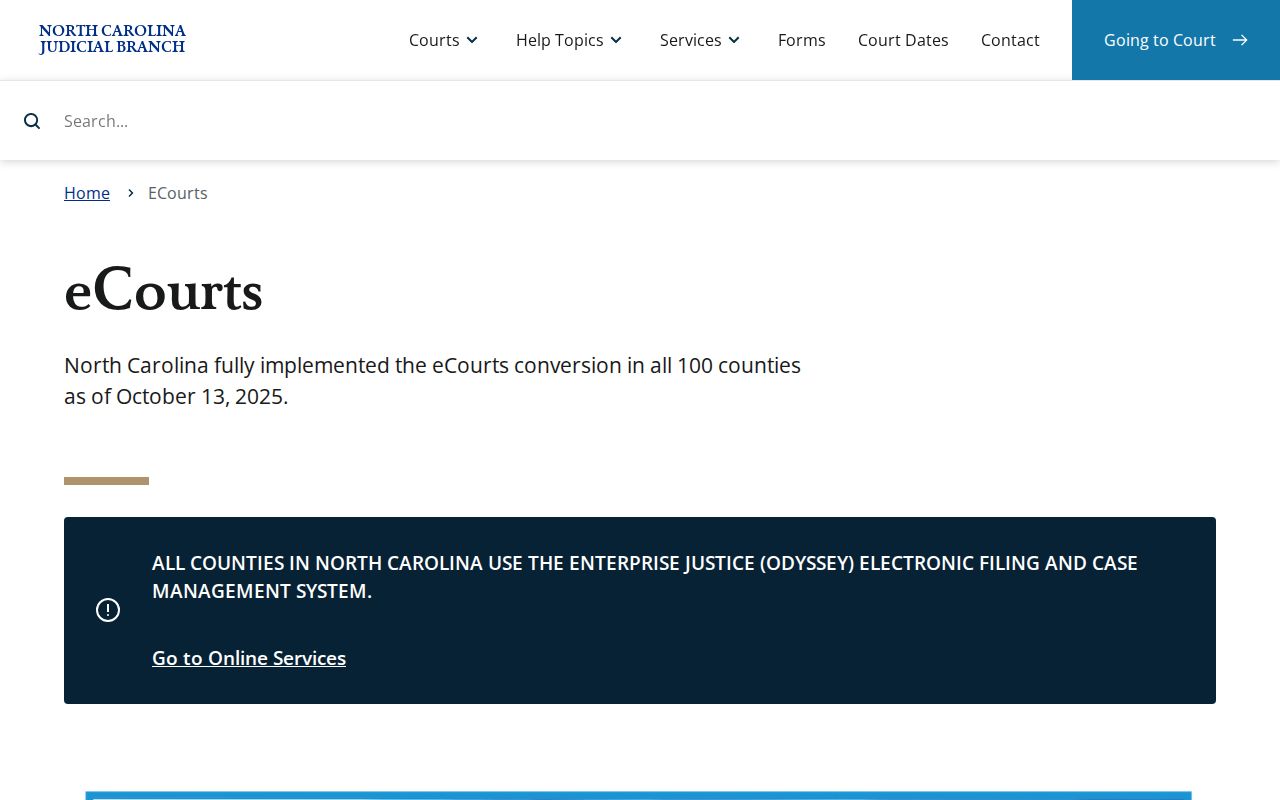
The statewide rollout means one Portal framework now serves all 100 counties. For county-level results, the Montgomery location filter and the local Clerk stay essential. The official North Carolina eCourts information page details the rollout. It also covers the services and what counties should expect.
Legacy case data was converted into the new system. That does not settle everything. Older paper records may still need a look from the local Clerk, and when an official document matters, a conversion timestamp or online event is no substitute for the record the court actually holds.
Montgomery County Court Dockets by City
Five incorporated towns sit inside Montgomery County. Not one of them runs its own municipal court docket. A case can start with a town police officer or a local citation, but the paperwork still moves through the North Carolina trial-court system. So skip town hall. For a Montgomery County court docket, the real routes are the state Portal and the Clerk in Troy.
The population figures come from North Carolina Office of State Budget and Management July 1, 2024 Vintage 2024 municipal estimates. One wrinkle: Candor stretches into Moore County. Read the county and record number off the citation itself. Don't guess from the town name.
Troy Docket Search
3,145 estimated residents. The county seat and state courthouse are in Troy.
Biscoe Docket Search
1,881 estimated residents. Biscoe matters use the county state-court route.
Mount Gilead Docket Search
1,180 estimated residents. Town enforcement does not keep the court Register of Actions.
Star Docket Search
822 estimated residents. Star has no published city docket, calendar, or payment portal.
Candor Docket Search
821 estimated residents. Confirm the actual county for a Candor-area citation.
State and Federal Montgomery Court Dockets
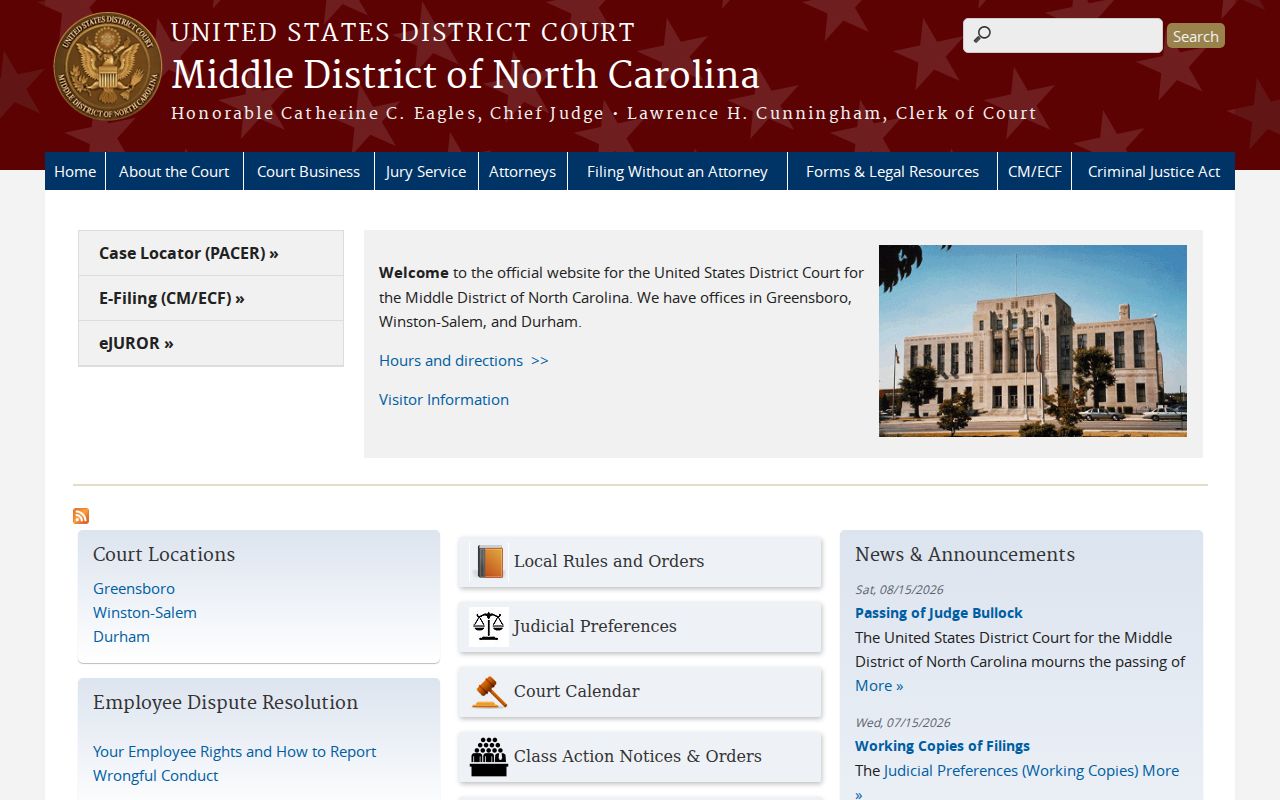
A state case in Montgomery County lives in the Portal and with the county Clerk. Federal cases work differently. The U.S. District Court for the Middle District of North Carolina handles federal trial matters for the county. PACER serves as the public federal docket route once you register an account. Neither system can answer for the other.
The official Middle District of North Carolina page points federal users to the federal Clerk. It also points them to the CM/ECF system. It will not send you to the Montgomery state-court counter.
For federal docket work, the official PACER entry point is the place to go. PACER access and federal filing rules govern federal cases. Montgomery County Superior Court and District Court matters still run through the North Carolina Portal.
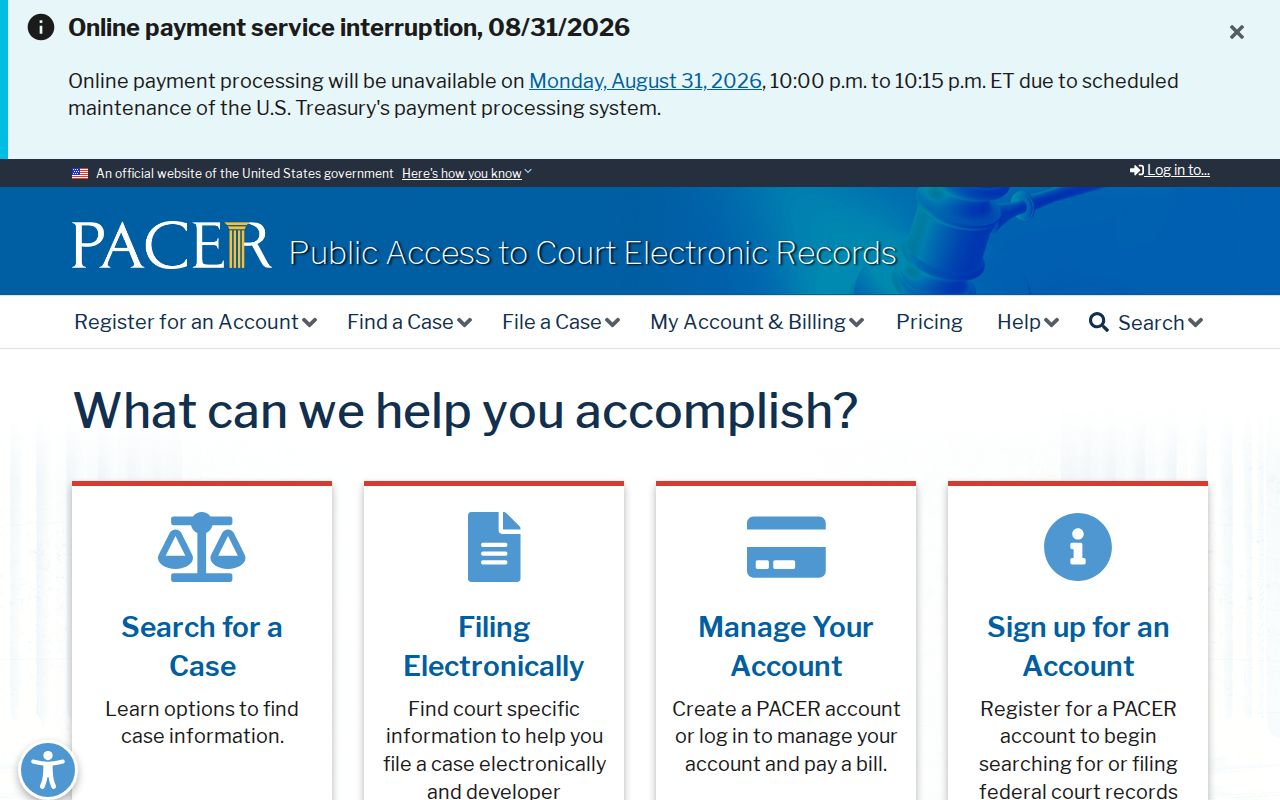
Keeping these systems straight avoids a common search mistake. A state court Case Summary never turns into a federal PACER docket just because the events involve the same county or person.
Map and Directions to the Montgomery County Courthouse
Superior Court and District Court files are both kept by the Clerk of Superior Court at the Montgomery County Courthouse, 108 E. Main St., at the edge of Troy's commercial district. The three-story building dates to 1921 and remains the county's single state-court and Clerk location, with no separate criminal-justice center or civil annex documented. Parking is available behind the courthouse.
Montgomery County Courthouse / Clerk of Superior Court
108 E. Main St.
Troy, NC 27371
(910) 571-3700
Weekdays, 8:00 a.m. to 5:00 p.m.
By senior-resident-judge order, cellphones and other electronic devices are not permitted on days court is in session, so plan to leave them behind or in the car. No terminal count, entry-screening procedure, or records-counter cutoff is published, so a call ahead is the safer plan for a copy or file-inspection visit.